
Fantastic App!!! Essential
This app is an essential app for every iPhone user who has a lot of screenshots. It uploads, organizes, and gives you advice. I cannot recommend this app any higher. Love it!!!!
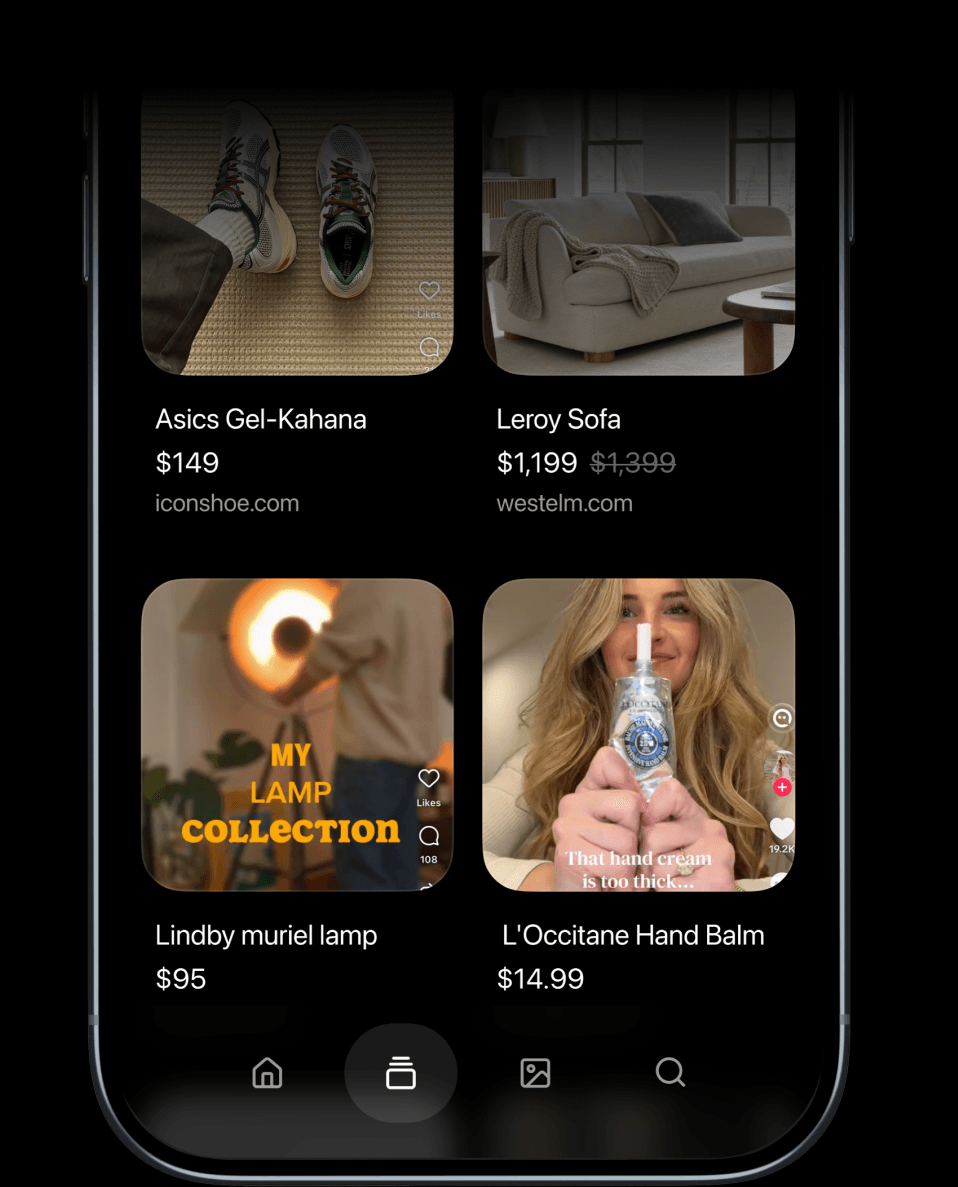
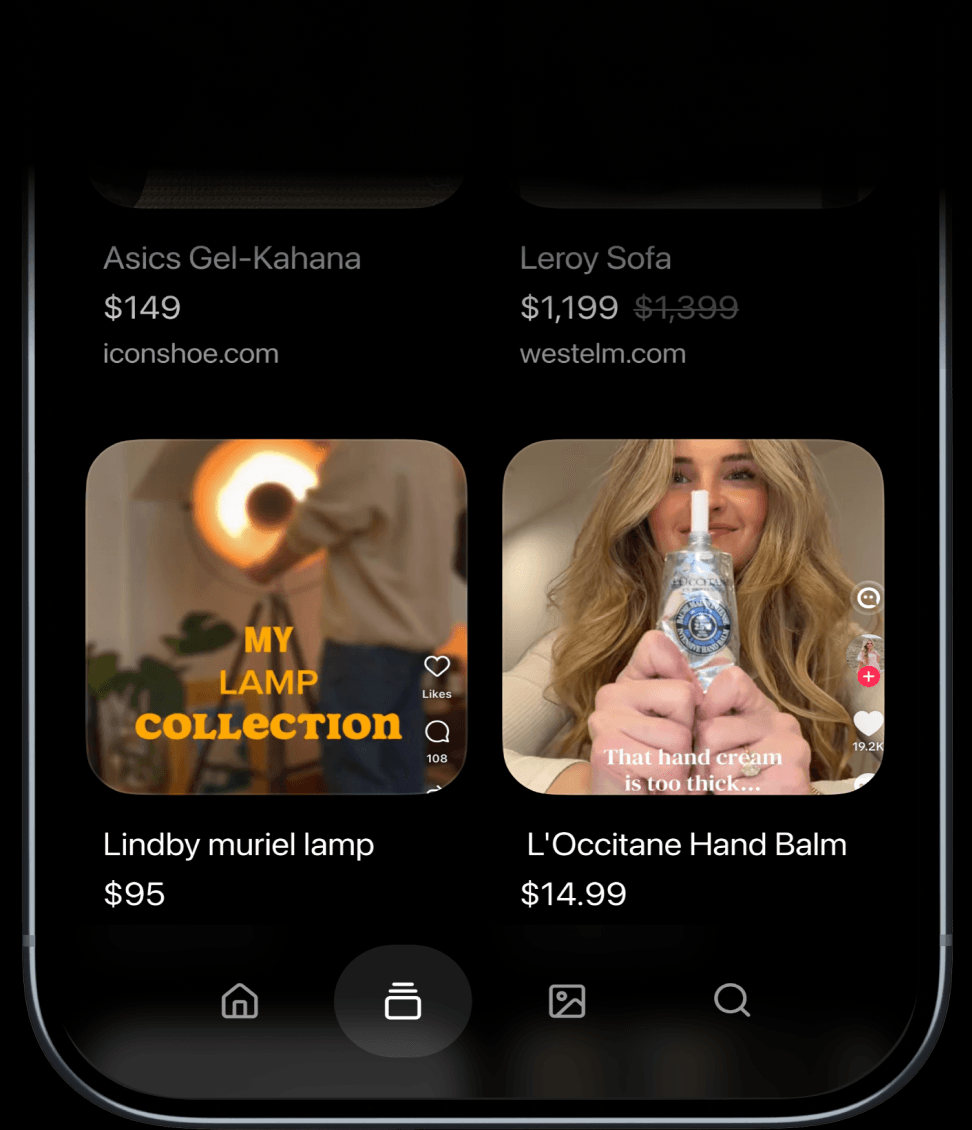
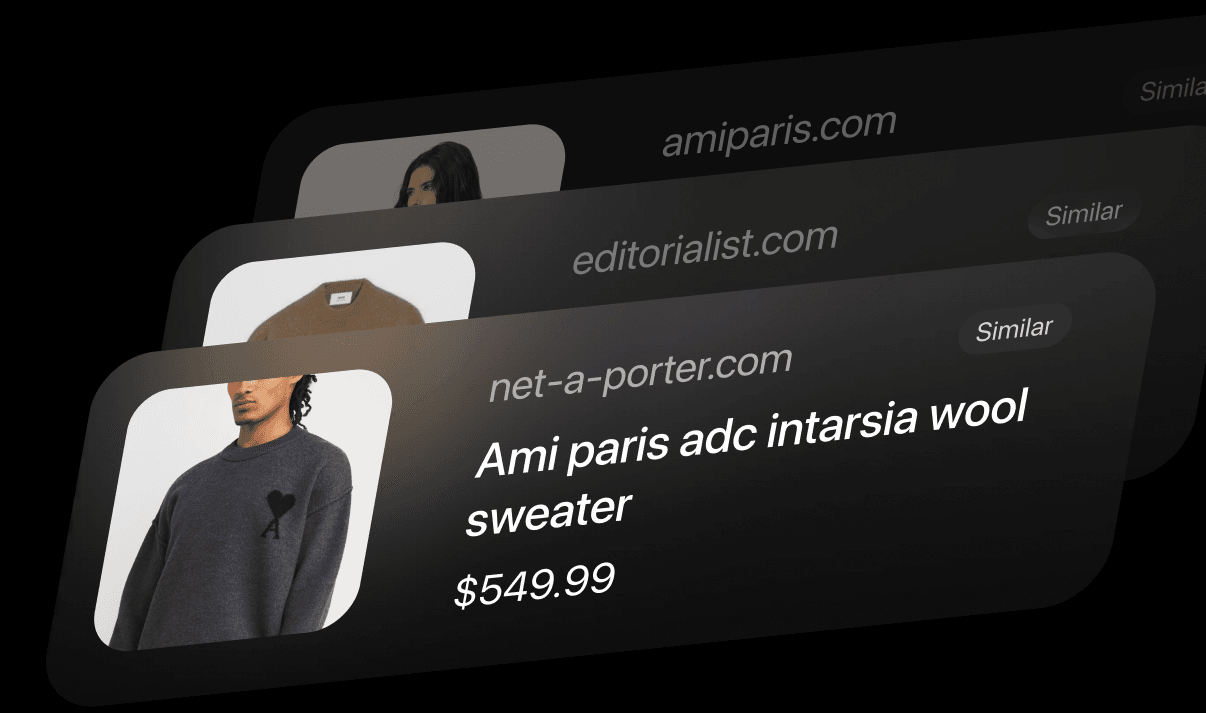
Captr goes through your camera roll and pulls out every product you screenshotted, with the price and the store it came from.
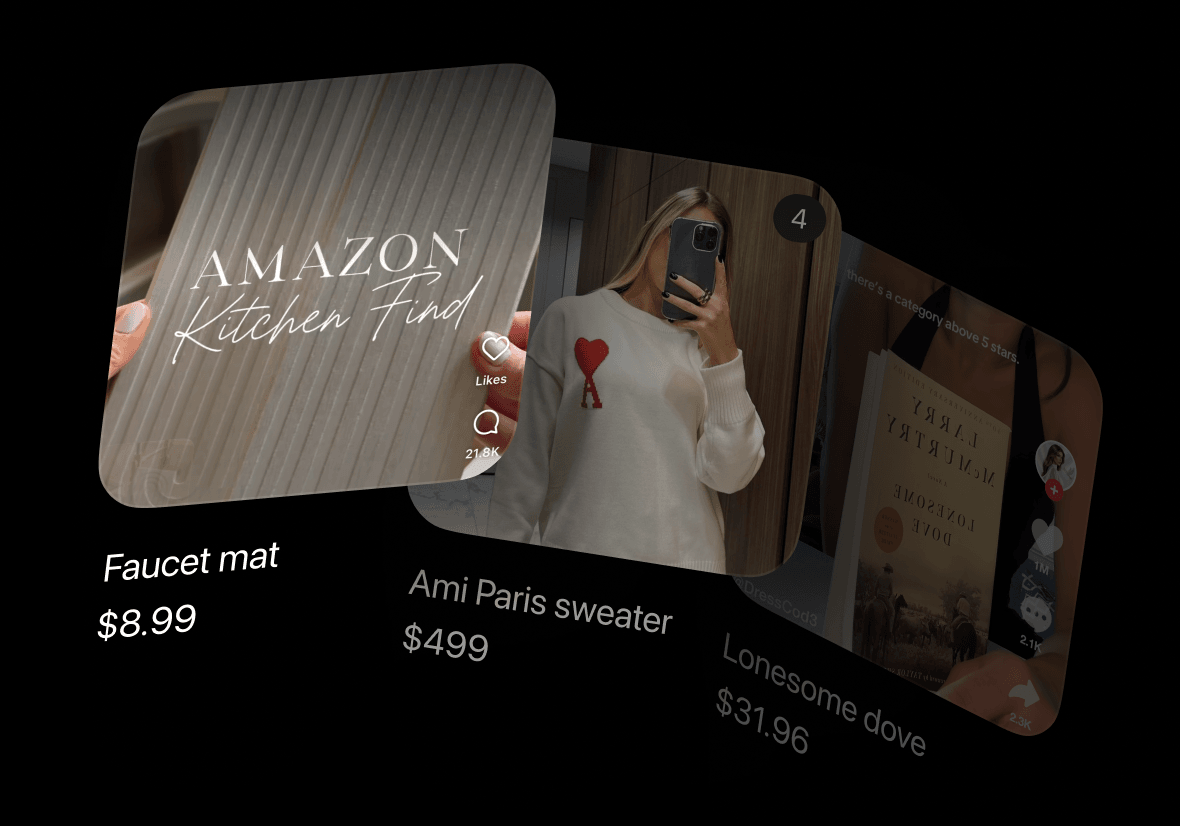
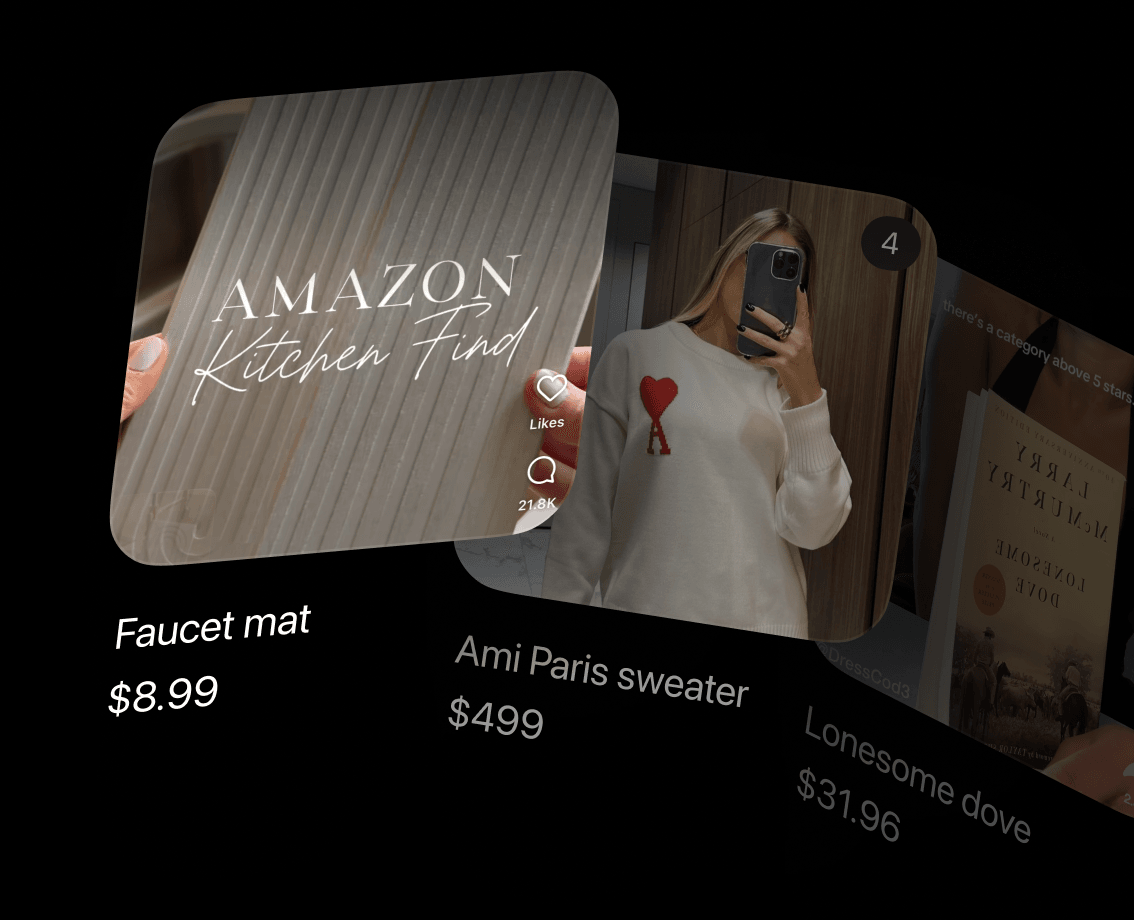
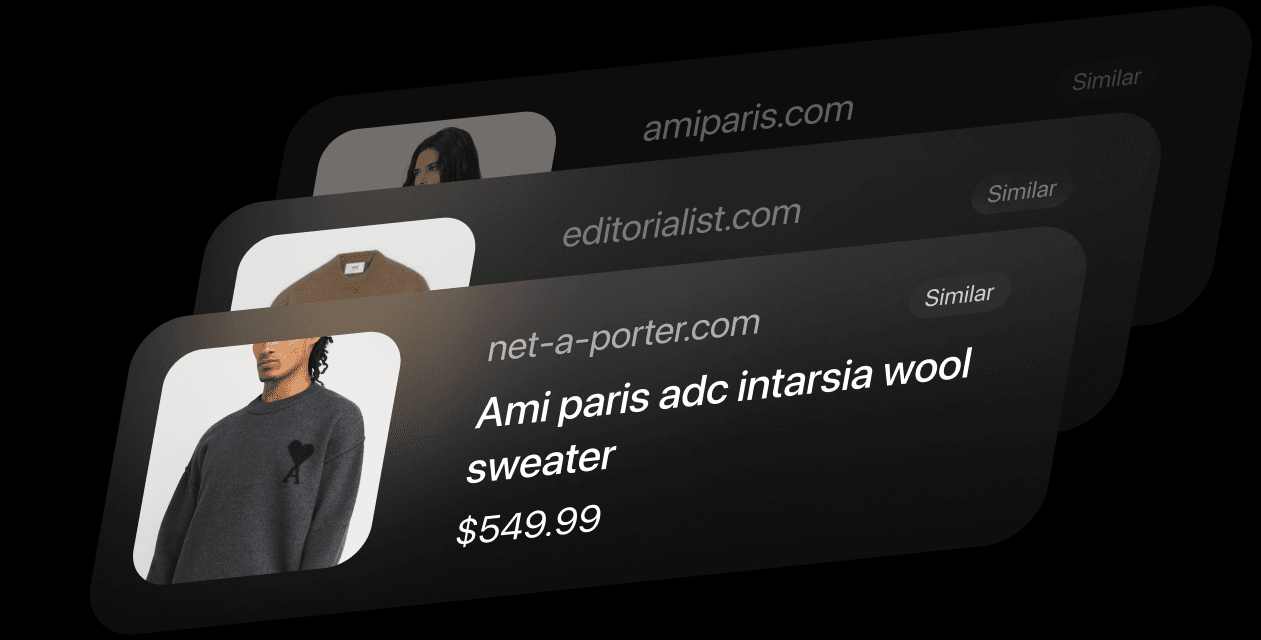
Tap an item and Captr shows what it costs today, plus other stores selling the same thing, each with a link to that product page.

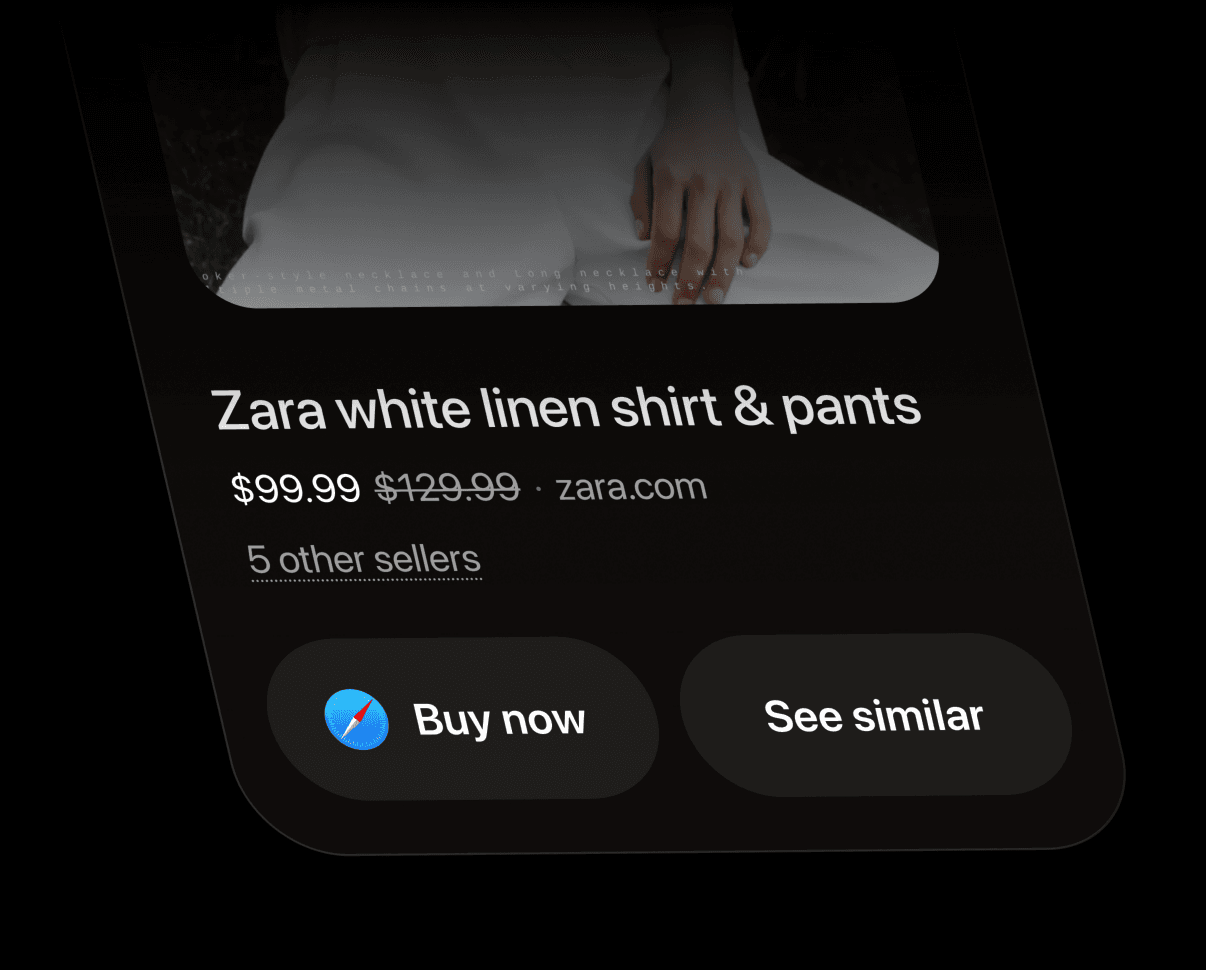
Captr looks for products like the one you saved, at stores you weren't browsing.
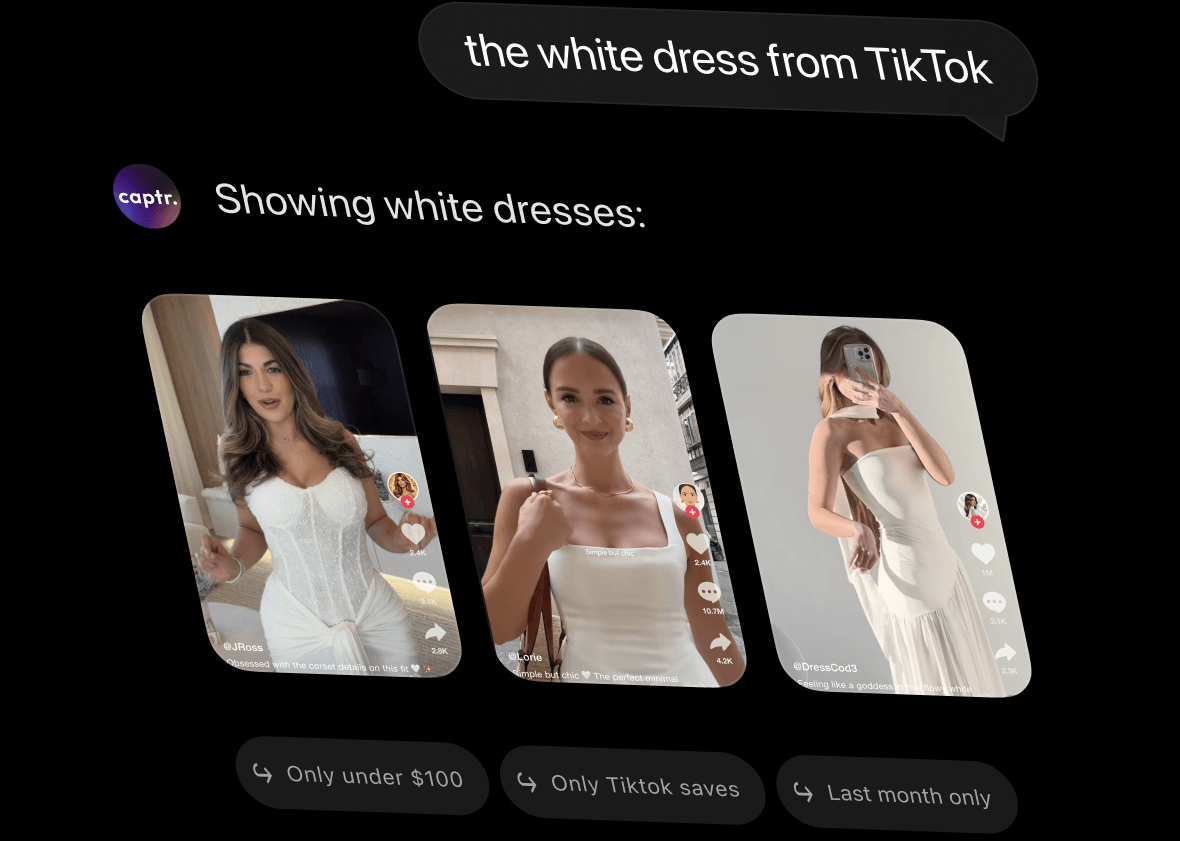
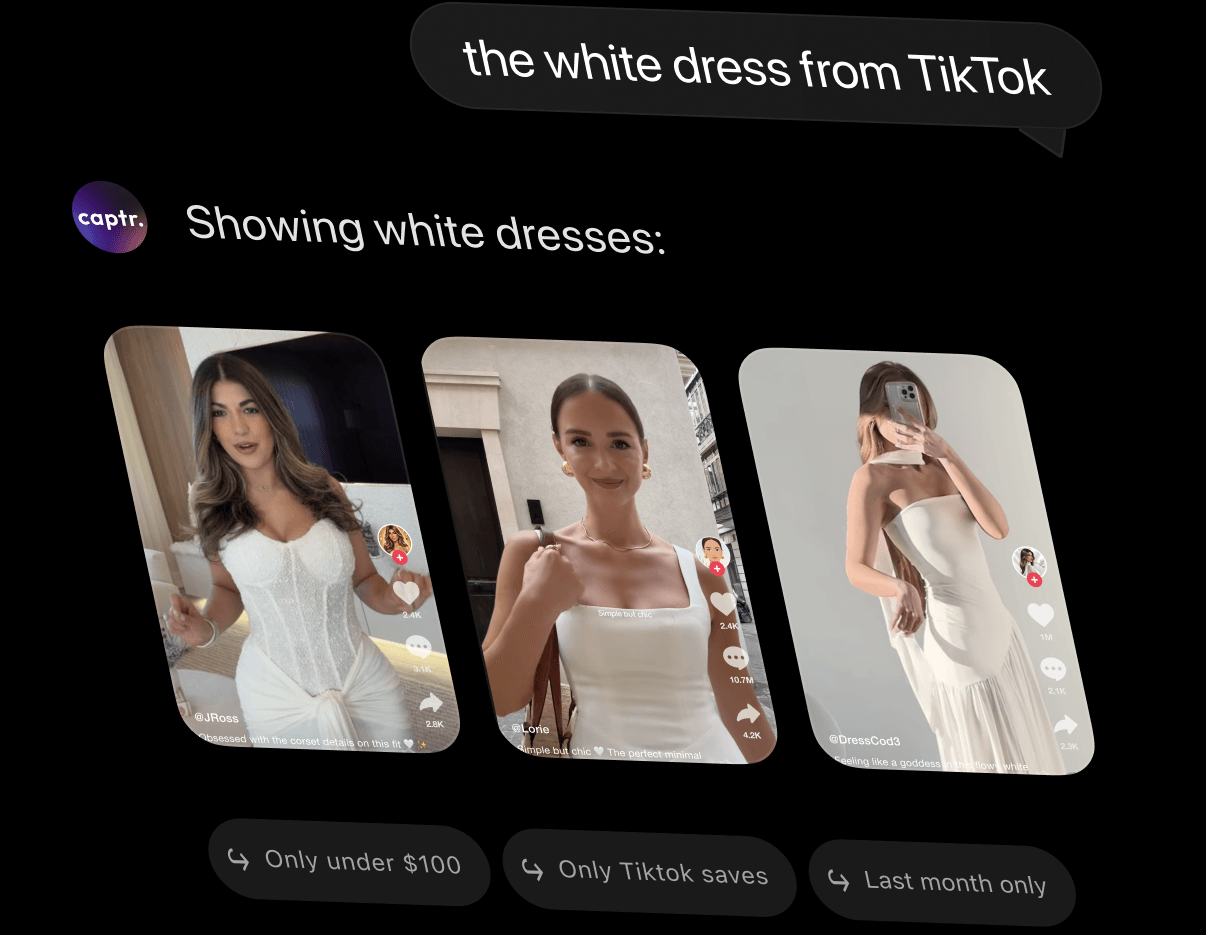
Type it the way you'd say it out loud. The white dress from TikTok. That sofa under a thousand.
This app is an essential app for every iPhone user who has a lot of screenshots. It uploads, organizes, and gives you advice. I cannot recommend this app any higher. Love it!!!!
Love the AI suggestions and auto-synchronization!
Actually helps me remember why I took a screenshot. Love it!
I've been waiting years for someone to make something or organize my life this way. I take so many screenshots and they all end up lost or never getting done. This is a great way to keep on top of everything in one place, and it's SO much better than going into my photo roll.
Love this app! My screenshots were a total mess before Captr. Now everything's neatly organized and easy to find. It even frees up storage and syncs automatically so I don't have to think about it. If you take a lot of screenshots on your iPhone, this app is a game changer.
On most iPhones, screenshots save automatically to the Screenshots album in the Photos app. With Captr, they're automatically synced and sorted into Lists instead, so you're not digging through your camera roll.
Press the Side button and Volume Up button at the same time (or the Home button and Side button on older iPhones). Captr picks it up automatically and adds it to the right List.
Yes. Captr uses AI to read what's in each screenshot and sort it into Lists — like Travel, Recipes, or Products — without you tagging or filing anything yourself.
Yes. Captr organizes and helps you act on screenshots from anywhere — so content you save from Instagram, TikTok, or the web all ends up in one place. You can also tap to open back in the original source.
Yes. Once a screenshot is synced to Captr, you can delete it from your device without losing access. It's a great way to keep your phone tidy while still holding onto everything important.